
What is Moonshed?
Moonshed is a self-hosted platform for deploying your apps, in the same space as Dokploy or Coolify, but built to stay small. It is a single Go binary with SQLite, it runs on Linux and Windows, and it is comfortable on a server with 1 core and 1 GB of RAM.
Early development
Moonshed is pre-release. Expect rough edges and breaking changes between versions.
What you get
- Deploys from GitHub (through a GitHub App), any git URL, a zip upload, or CI with an API token. Pushes can deploy automatically.
- Native or Docker apps. An app runs either as a plain process that Moonshed supervises, or as a Docker container.
- Health-checked rollouts. If the new version doesn't come up healthy, the old one is started again.
- A built-in reverse proxy (Caddy) with domains and automatic HTTPS.
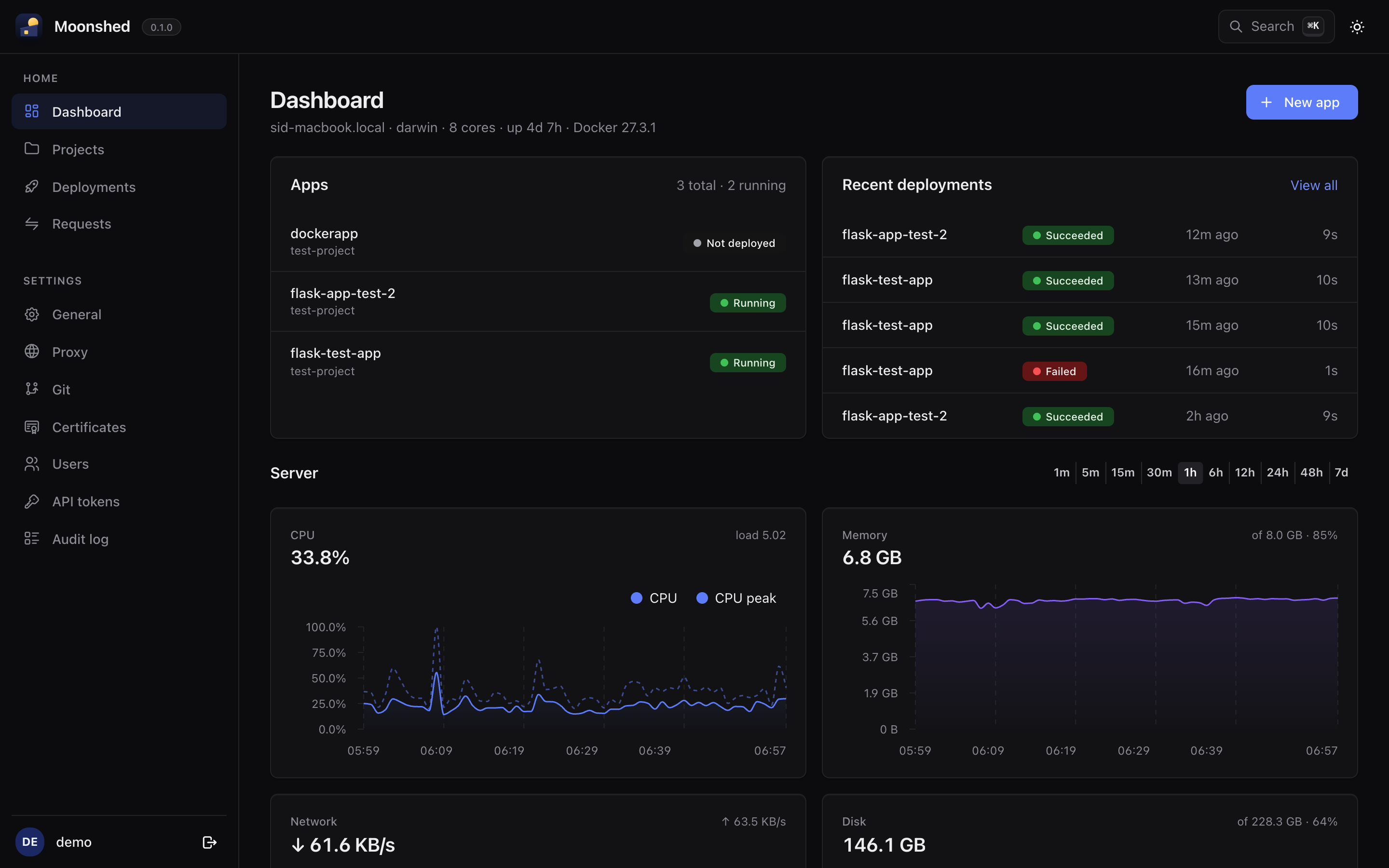
- Monitoring: resource graphs, uptime and incidents from real health checks, optional auto-restart and a request log.
- Backups of an app's code, data, env vars and logs, on a schedule or on demand.
- Teams: projects, users, API tokens and an audit log.
How it fits together
| Term | Meaning |
|---|---|
| Project | A group of apps. Every app belongs to one. |
| App | Something you deploy. It has a name, a runtime, a port, env vars and domains. |
| Bundle | A zip of the app's code, with a moonshed.yaml and/or a Dockerfile. Uploaded, or made from a git checkout. |
| Release | A bundle unpacked and built into a folder, ready to run. |
| Deployment | Building a release, stopping the old one, starting the new one and checking its health. |
| Domain | A hostname (and optional path) that the built-in proxy routes to an app. |
Each app is configured with a moonshed.yaml in its repository, or with the same settings in the UI. A Dockerfile on its own is also enough.
Platform support
- Linux and Windows are supported. Moonshed runs as a systemd unit or a Windows service.
- macOS builds and runs for local development only.
Next: install Moonshed.