
Installation
There are no prebuilt releases yet, so you build Moonshed from source and copy the result to your server.
Build
You need Go 1.26+, Node 20+ and Python 3 on the machine you build on.
git clone https://github.com/SiddheshNan/moonshed.git
cd moonshed
./scripts/build.py
The script asks for the version, the target platforms, the output folder and whether to run the tests. Press Enter to accept the defaults. It writes one bundle per target:
dist/linux-amd64/
  moonshed
  runtime/
    config/production.yaml
    web/                      the UI
The binary is built without CGO, so you can build a Windows or Linux bundle from any machine.
Install on the server
Copy the bundle to your server and check runtime/config/production.yaml (see Configuration file). Then install it as a service:
sudo ./moonshed install -e production# In an Administrator PowerShell
.\moonshed.exe install -e productionOn Linux this writes a systemd unit to /etc/systemd/system/moonshed.service. On Windows it registers a Windows service. Either way Moonshed starts now and on every boot.
Open http://<your-server>:5050 and create the admin account.
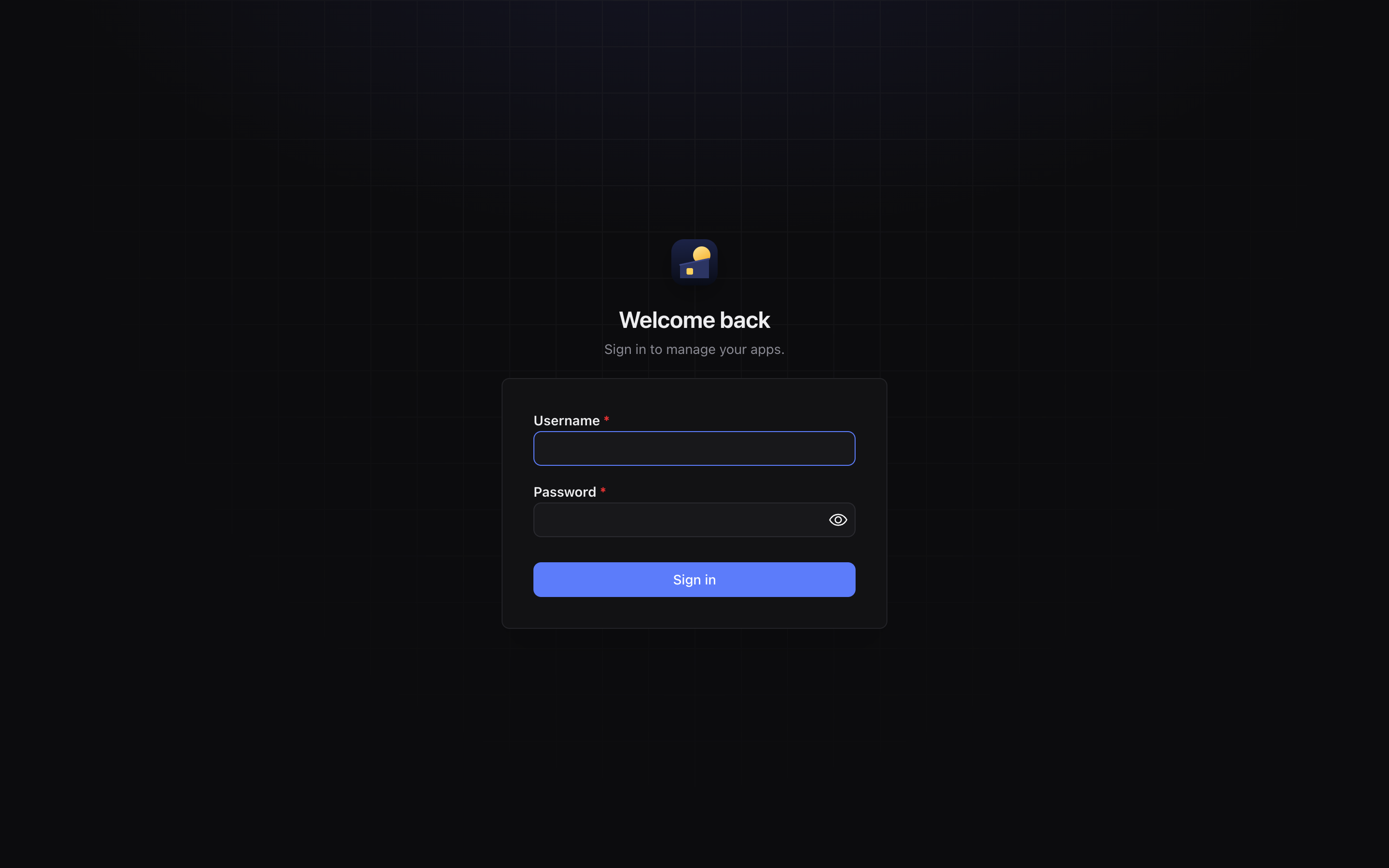
The rest of runtime/ (databases, apps, logs, backups) is created on first run. See Runtime folder for what goes where.
Before you put it on the internet
- The panel on port 5050 is plain HTTP. Give it a domain with HTTPS (Settings › General › Panel domain) and set
panel_addr: "127.0.0.1:5050"so it is only reachable through that domain. See Domains and HTTPS. - Ports 80 and 443 must be free and open for the reverse proxy and Let's Encrypt.
- Install Docker if you want to run Docker apps. Moonshed works without it.
Run in the foreground
To try Moonshed without installing a service:
./moonshed serve -e productionUninstall
sudo ./moonshed uninstallThis stops and removes the service. The runtime/ folder is left as it is.